A Better Way to Edit Your Consultation Output ✨
We’ve significantly improved the editing experience on the EkaScribe website to make it faster, smoother, and more intuitive during real usage.
Earlier, editing your consultation output was a step-by-step process. You had to click edit on each section, make changes, save it, and then repeat the same for other sections. This not only took extra time but also interrupted your flow while reviewing notes.
With this update, we’ve introduced inline editing across the entire output.
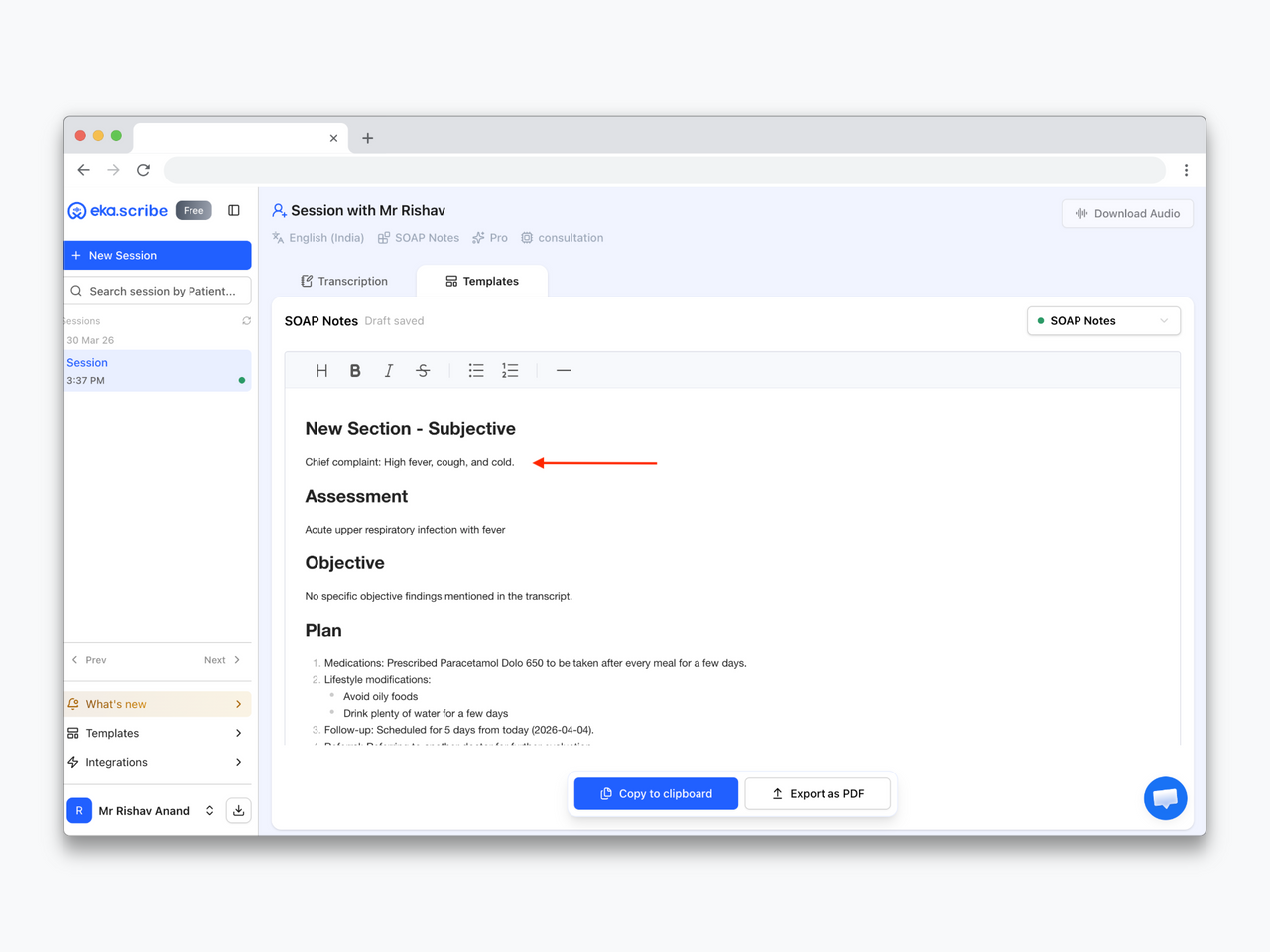
Now, you can simply click anywhere in the document, make changes across multiple sections in one go, and save everything together. There’s no need to edit and save repeatedly for each section.
This makes the overall experience much more seamless—helping you quickly review, edit, and finalize your documentation without unnecessary steps or interruptions.
Improvements (3)
- Never Miss an Update with What’s New
- Assamese Language Now Supported
- Auto language Detection